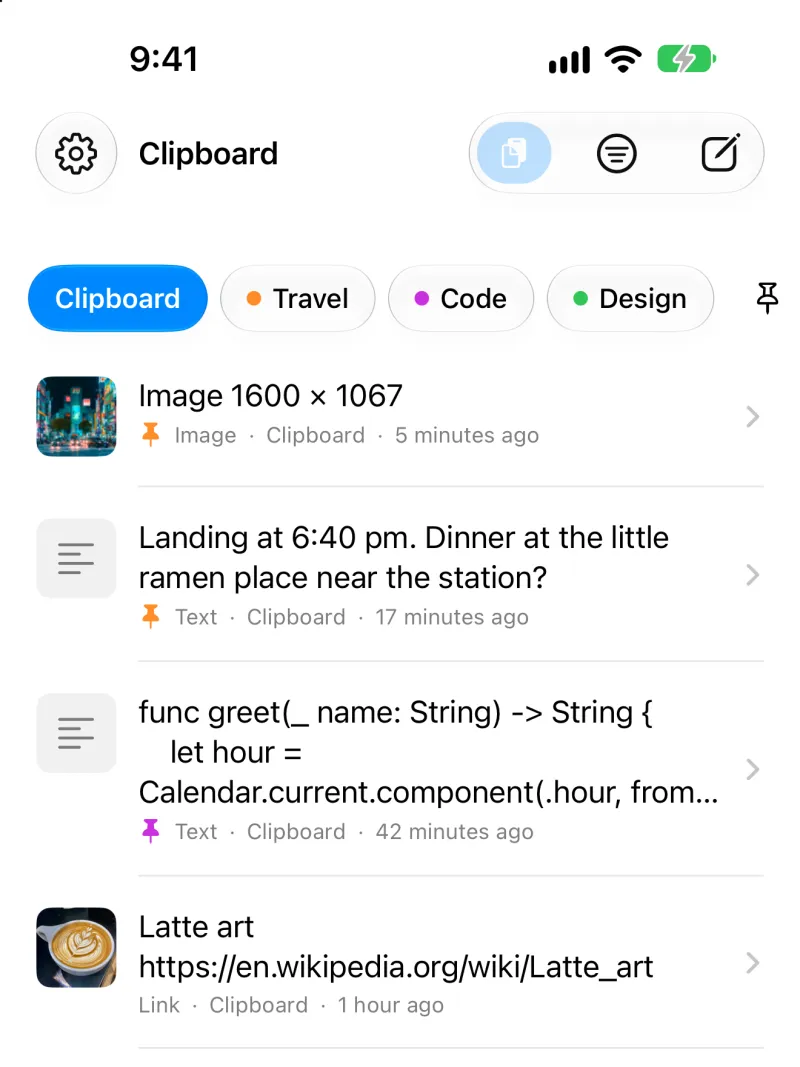
Save it, pin it
- Open ClipShelf or its keyboard after you copy.
- Tap the paste button inside ClipShelf.
- Share text, a link or an image to ClipShelf from any app.
Pinned items never expire.
How to turn on the ClipShelf keyboard
- Open Settings, then General, Keyboard and Keyboards.
- Tap Add New Keyboard and choose ClipShelf.
- Tap ClipShelf and turn on Allow Full Access, so it can read your history.
- In any app, switch keyboards with the globe key, then tap an item.
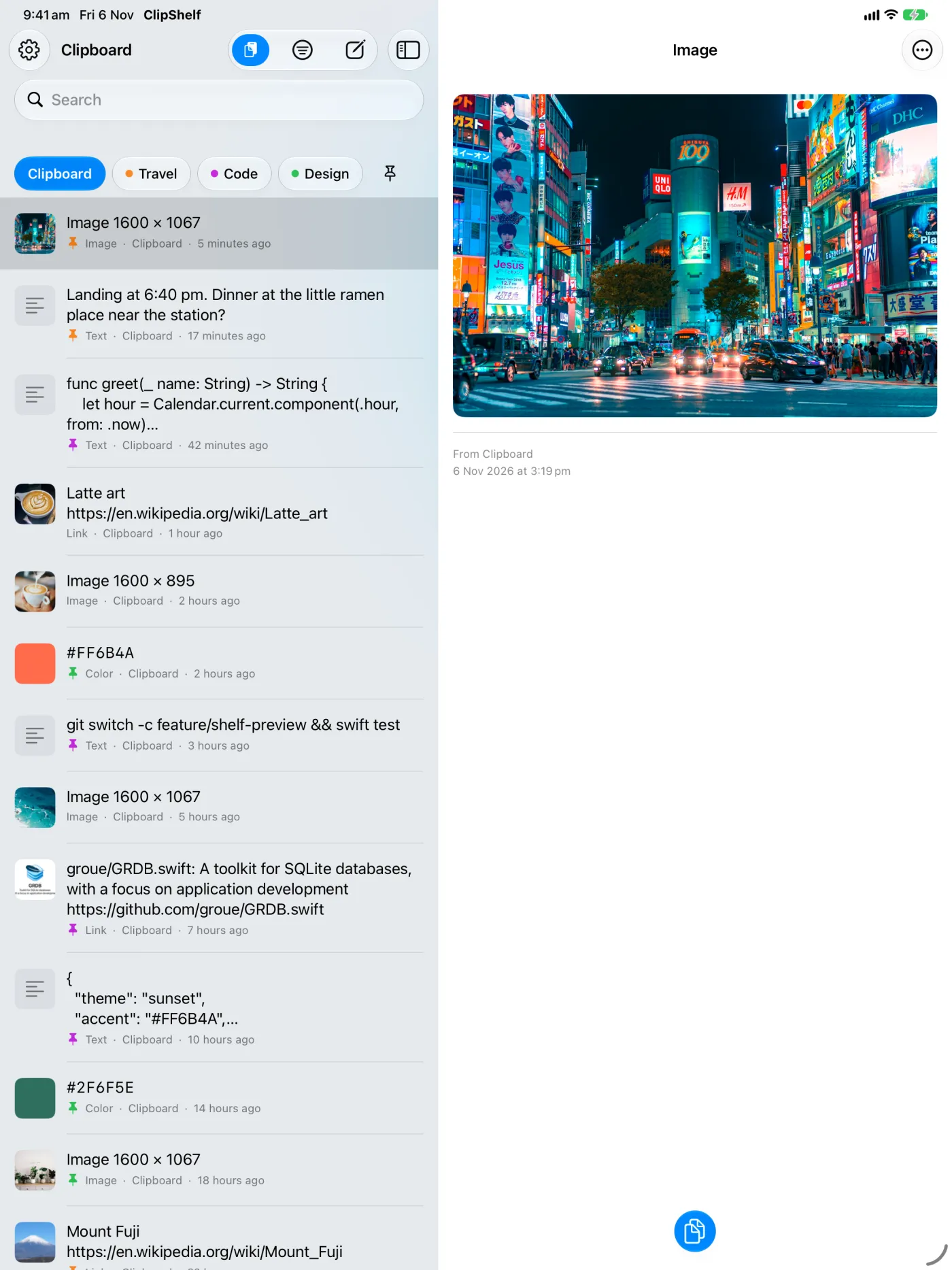
iPad and iPhone Duo
The list and the item sit side by side. On iPhone Duo they split at the fold. iOS 17 or iPadOS 17 or later.